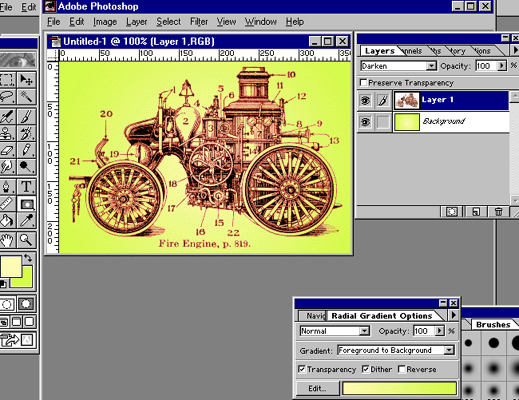
Slicing images with ImageReady.
1. Make a picture in Photoshop or your favorite image editor.
2. Import the picture into ImageReady
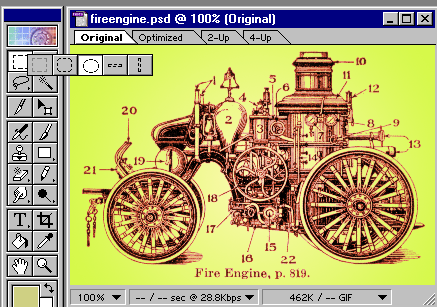
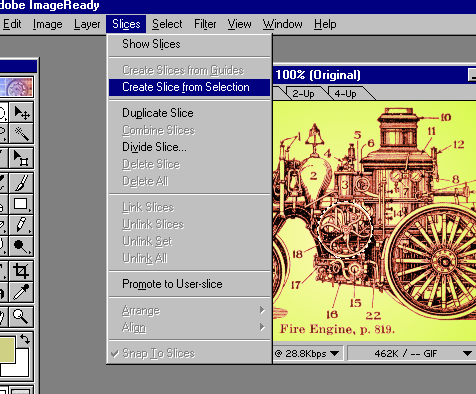
3. Select an area to become "hot"
4. Activate the rollover palette
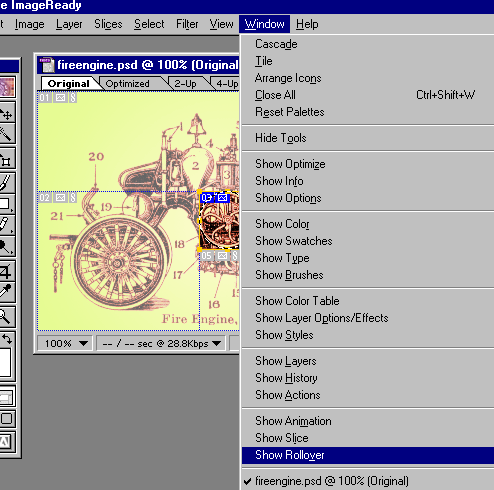
5. Make a new rollover state
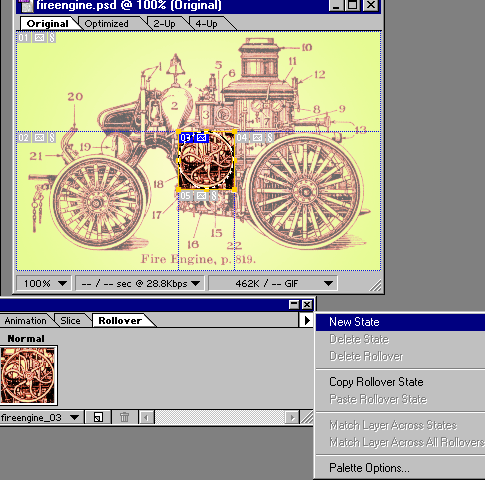
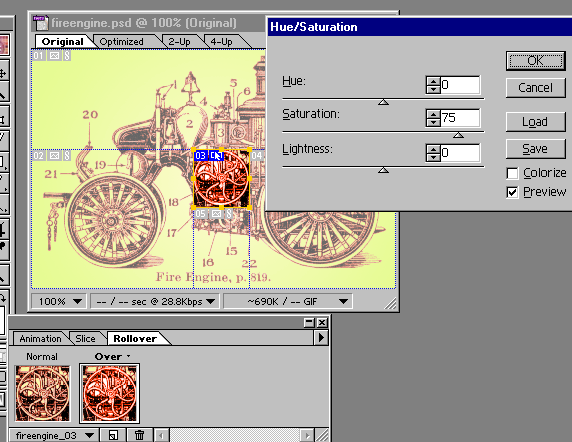
6. Copy, and paste the selection; play with it using filters or image adjustments: (for Image Ready 3.0, something else has to be done).
7. Save your work:
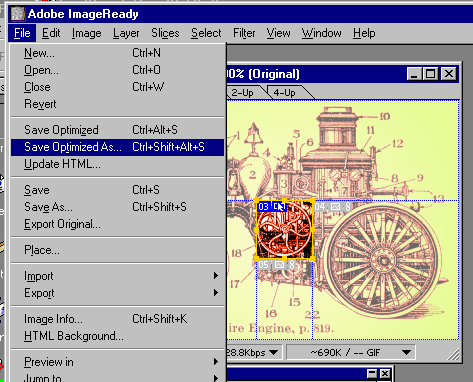
Take a look here at what is produced