Using ftp to put html files on granite.
1. consider using Filezilla (open source program freely downloadable)
2. There are lots of other programs too
3. Hummingbird Exceed is available in some labs; you may find it easier to use than what I show you here:
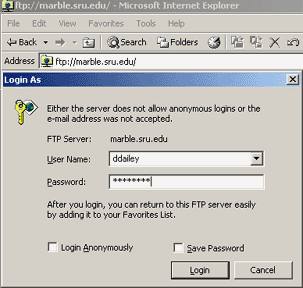
Enter "ftp://obsidian.sru.edu" into the address for Internet Explorer. (some versions are better than others -- as I recall, this works for IE6 and IE9..
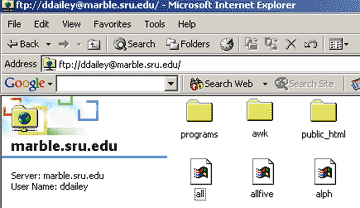
If you do it right, you should see your directory, looking conspicuously like a Windows mounted directory. You can drag and drop files and directories, pretty much like you'd expect. (Think obsidian instead of marble!)
Note: unidirectional copying of files seems to be enabled using Firefox.
To view material you place in your public_html directory, use a URL such as the following:
http://obsidian.sru.edu/~ddailey/multiply2.html
Note that the pathname does not include "public_html."